
ASSEMBLY & ADJUSTMENTS
Enjoy Ultra

.
Assembly guide
Take the next step on your journey to exceptional comfort.
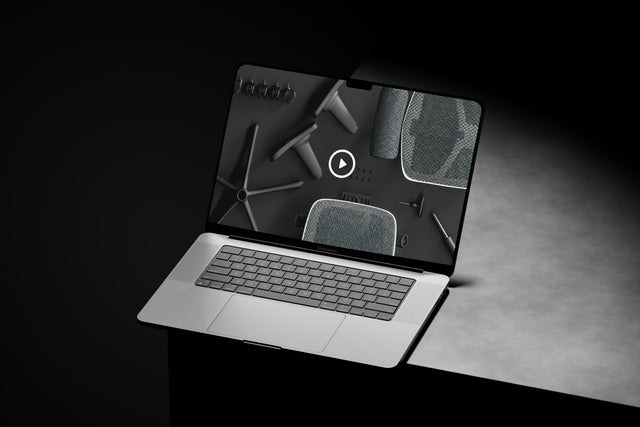
Once you have unboxed your Enjoy Ultra, it can be assembled in a matter of minutes. Watch the video below to get started. These are the main steps:
- Push and click the five castors into the 5-star base.
- Gently lower the gas stem into the 5-star base.
- Lower seat onto the 5-star base.
- Lower the backrest onto the back of the seat and insert the three bolts loosely at first, then tighten using the Allen wrench.
- Position the armrests on each side of the seat. Insert two bolts under each arm at a slight angle, as shown in the video, and tighten using the Allen wrench.
.

.
Adjustments
Adjust your gaming chair to fit your body and provide the proper support.
Watch chair adjustment video

.